
JumpCmd
A focused macOS switcher for jumping straight to the app or window you meant.
Open JumpCmd with a shortcut and type. Stay in flow. Get back to work.
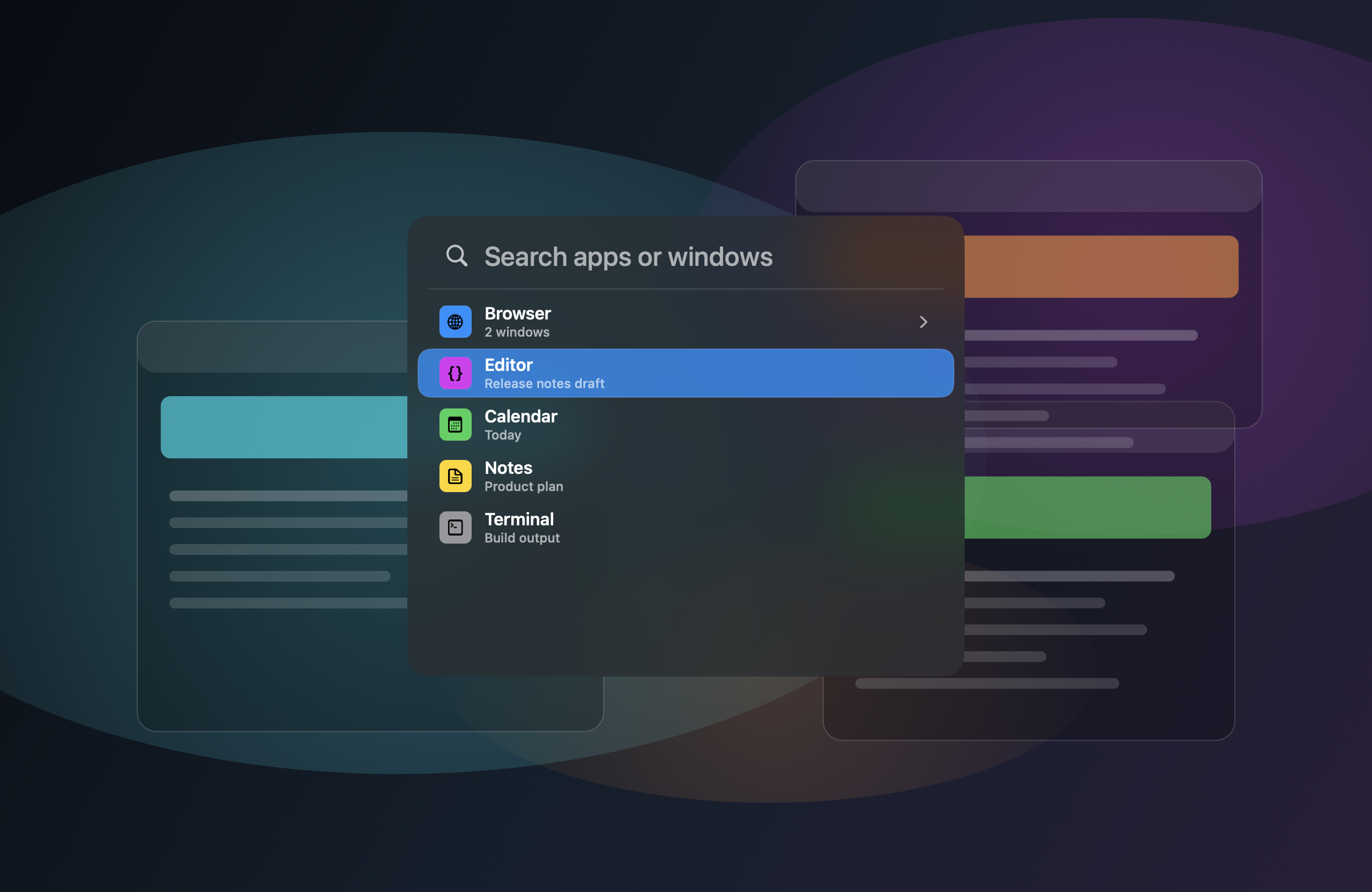
Switch by keyboard
Invoke JumpCmd with your custom shortcut and switch without leaving the keyboard.
Search windows
Find apps and windows instantly. Windows from the same app are grouped together.
Tune the switcher
Customize appearance, selection, highlighting, shortcuts, and motion to match your style.
Search fast
Find it. Jump to it.
Type to filter apps and windows in real time. JumpCmd groups windows by app so you can get where you meant faster.
Stay focused. Ship more code.
Make it yours
Customize every detail.
Adjust the look, feel, and behavior of JumpCmd so it fits your workflow and preferences.
- Glass style & tint color
- Search highlighting & row selection
- Corner radius & window size
- Motion & animation controls
- Custom activation shortcut
Appearance
Glass style
Default
Tint color
Search highlighting
Match
Row selection
Filled
Motion
Balanced
Behavior
Activation shortcut
⇧ ⌘ Space
Press the shortcut to open JumpCmd.
Download JumpCmd
Lifetime license for 1.x
One payment for JumpCmd 1.x. Includes all 1.x updates. Requires macOS 26.0 or later.